How to Choose a Home Safety App for an Aging Parent
Yes. Some apps check a parent's home room by room from phone photos. Others confirm she is up or keep the family organized. Choose by the job you need, who stays in control, and whether it looks at the house or watches the person.
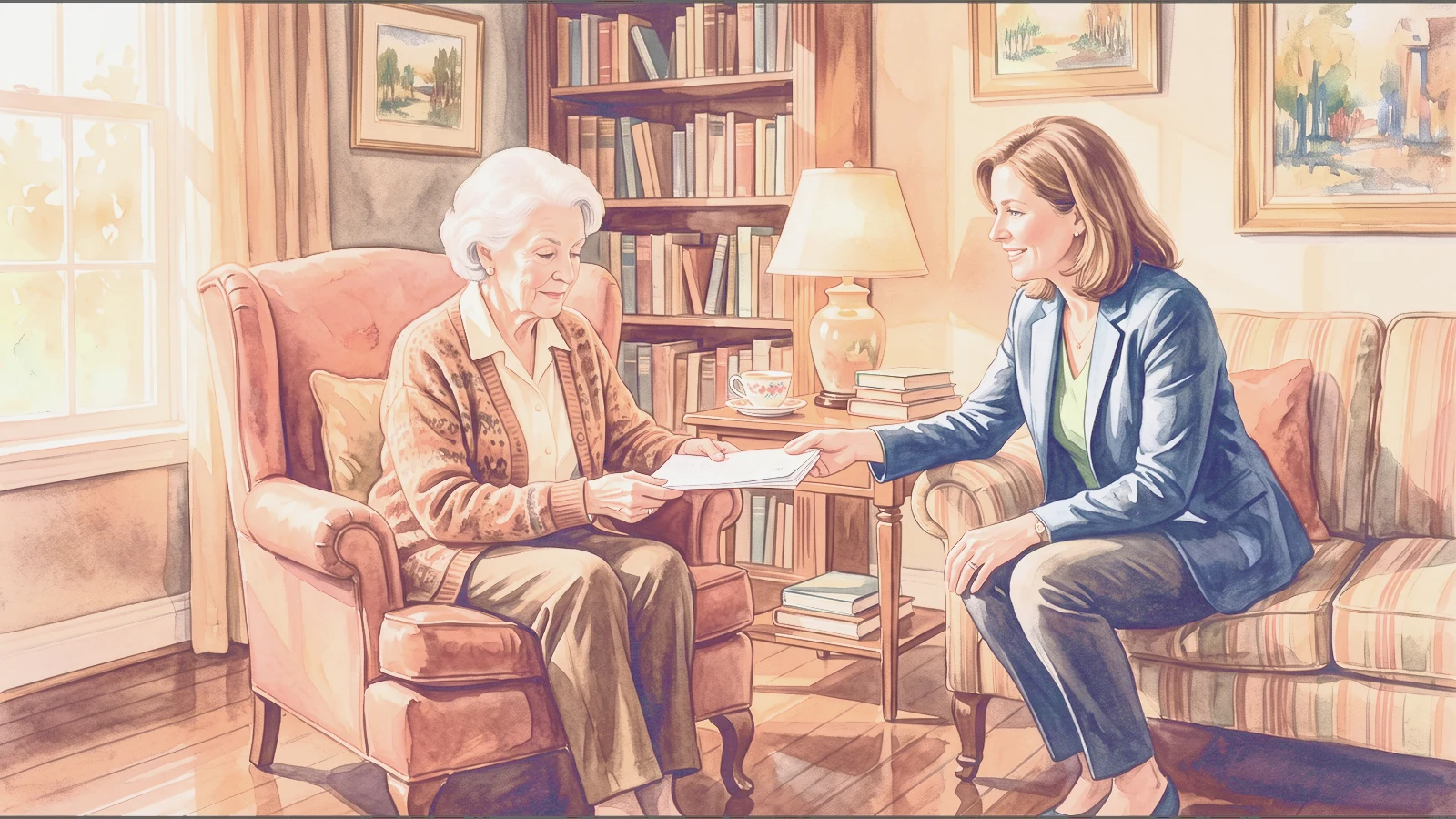
You call on Sunday. She says she's fine. She probably is. But you noticed the hallway rug last visit, and the bathroom light that takes a second to come on, and you have been carrying that around all week.
She wants to stay in her house. You want that too. Neither of you wants an argument about it. That is usually the moment people start searching for an app.
This guide is for that moment. It sorts the options by what they actually do, so you can pick one she will agree to use.
Why the house is the right place to start
Most falls with a known location happen at home, and many home hazards can be changed. Starting with the house lets you act on something concrete without making the conversation about her.
- More than one in four people 65 and older fall each year, and less than half tell their doctor. Falling once doubles the chance of falling again (CDC).
- CDC lists home hazards such as broken or uneven steps, throw rugs and clutter among the fall risk factors that can be changed (same source).
- In a CDC analysis of emergency visits for falls, 79.2 percent of falls with a known location happened at home. Where the room was recorded, the bedroom led at 25 percent, then the stairs at 22.9 percent and the bathroom at 22.7 percent (Moreland et al., American Journal of Lifestyle Medicine).
- About three in four adults 50 and older want to stay in their current homes or communities for as long as possible (AARP Home and Community Preferences Survey).
Blame the house, not the person. A dim hallway is a fixable defect. "Mom, you need to be careful" is a fight.
The three jobs a home safety app can do
Home safety apps do one or more of three jobs: show what in the house needs attention, confirm she is up and okay each day, and keep family on the same page. Few do all three, so decide which job matters most.
- See the house. Photo-based tools look at a room and point out what deserves attention, such as a loose rug, a dark path or a missing grab bar.
- Know she is up. Daily check-in tools ask for one tap or one answer. If she misses it, someone she chose hears about it.
- Keep the family aligned. Coordination tools hold the calendar, medications, messages and documents in one place.
A fourth thing sits under all three: her emergency details, written down where whoever is with her can find them.
Compare the options side by side
Free checklists cost nothing but stay on paper. Photo-based assessments show the house. Check-in apps answer "would anyone know?" Coordination apps organize family. Medical alerts call for help after a fall. Match the tool to the worry.
| Option | What it does | Who is in control | Cost as listed | Best fit when |
|---|---|---|---|---|
| Free checklists: CDC Check for Safety, NIA Room by Room, AARP HomeFit Guide | Printable questions and tips, room by room | She is, on paper | Free | You want a trusted starting point today |
| SafeHome AI | Upload room photos and get a prioritized safety checklist with products and costs. The site says it was developed by a board-certified geriatric physical therapist and deletes photos within 30 minutes | Whoever uploads the photos | Two rooms free with no account; a complete assessment is $19.99 | You want a quick one-time report |
| DwellSafe | Capture each room with a phone camera and answer health and mobility questions. A matched licensed occupational therapist reviews it and sends a safety report, with help finding local contractors | Family or the older adult, with a clinician reviewing | Paid; check the site for current price | You want a clinician's eyes on the home without a visit |
| Snug Safety | One daily check-in. If she misses it, the free plan texts her emergency contacts. A paid Dispatch plan adds a professional caller and wellness check coordination | She sets the time and the contacts | Free plan; paid Dispatch plan | She lives alone and the worry is "would anyone know?" |
| Caring Village | Shared calendar, medications, wellness journal, messaging, documents and an AI assistant | The family | Free for up to two members; paid plans from $14.99 a month | Family is already juggling appointments and prescriptions |
| Medical alert system | A button on a necklace or bracelet to call for help. NIA notes there is a fee and it is usually not covered by insurance | She presses the button | Monthly fee | She wants a way to call for help after a fall |
| In-person home safety evaluation | An occupational therapist, physical therapist or nurse visits and advises on changes (NIA) | A clinician | Varies; ask her doctor | After a fall, a surgery or a change in how she gets around |
| SeniorThrive | Room Safety Check from a photo, My Daily Check-In, Morning Peace of Mind, Circle in SeniorThrive and Emergency Card in one app | She does. She chooses who is in her Circle | Emergency Card and My Daily Check-In are free. Full ongoing Room Safety Checks are part of Essential, $29 a month or $290 a year. Essential covers the older adult and one family member; more people are added seats. | She is doing fine, wants to stay in charge, and you want the house, a daily check-in and family on one page |
Details for each company come from its own public website, checked October 27, 2026. Prices and features change, so check before you sign up. For more on pendants and hubs, see how SeniorThrive compares to medical alert systems.
Seven questions to ask before you download anything
Ask whether it looks at the house or watches the person, who decides what is shared, and what happens when she misses a check-in. Those three answers tell you whether she will keep using it.
- Does it look at the house or watch the person? Tools that feel like surveillance end up in a drawer. A tool that looks at the room keeps the focus off her.
- Who decides who sees what? If she cannot choose, expect a polite "no."
- Is it one report or an ongoing record? Homes change. A bulb burns out, a new rug arrives, a chair moves. A record over time shows what got fixed.
- Does a clinician review it? If she has had a fall or a surgery, ask her doctor for a referral to an occupational therapist.
- What happens when she misses a check-in? A text, a gentle note and a dispatcher are different promises. Pick the one that matches the worry.
- What does it cost after the free part? Read the plan page, not the app store blurb.
- Does it need new hardware or a new phone? Every extra device is one more thing to charge, wear or ignore.
Where SeniorThrive fits, and where another tool fits better
SeniorThrive fits when your parent is doing well, wants to stay home on her own terms, and you want the house, a daily check-in and the family in one place. If she needs a clinical evaluation or a dispatcher, choose a tool built for that.
Here is what SeniorThrive does today:
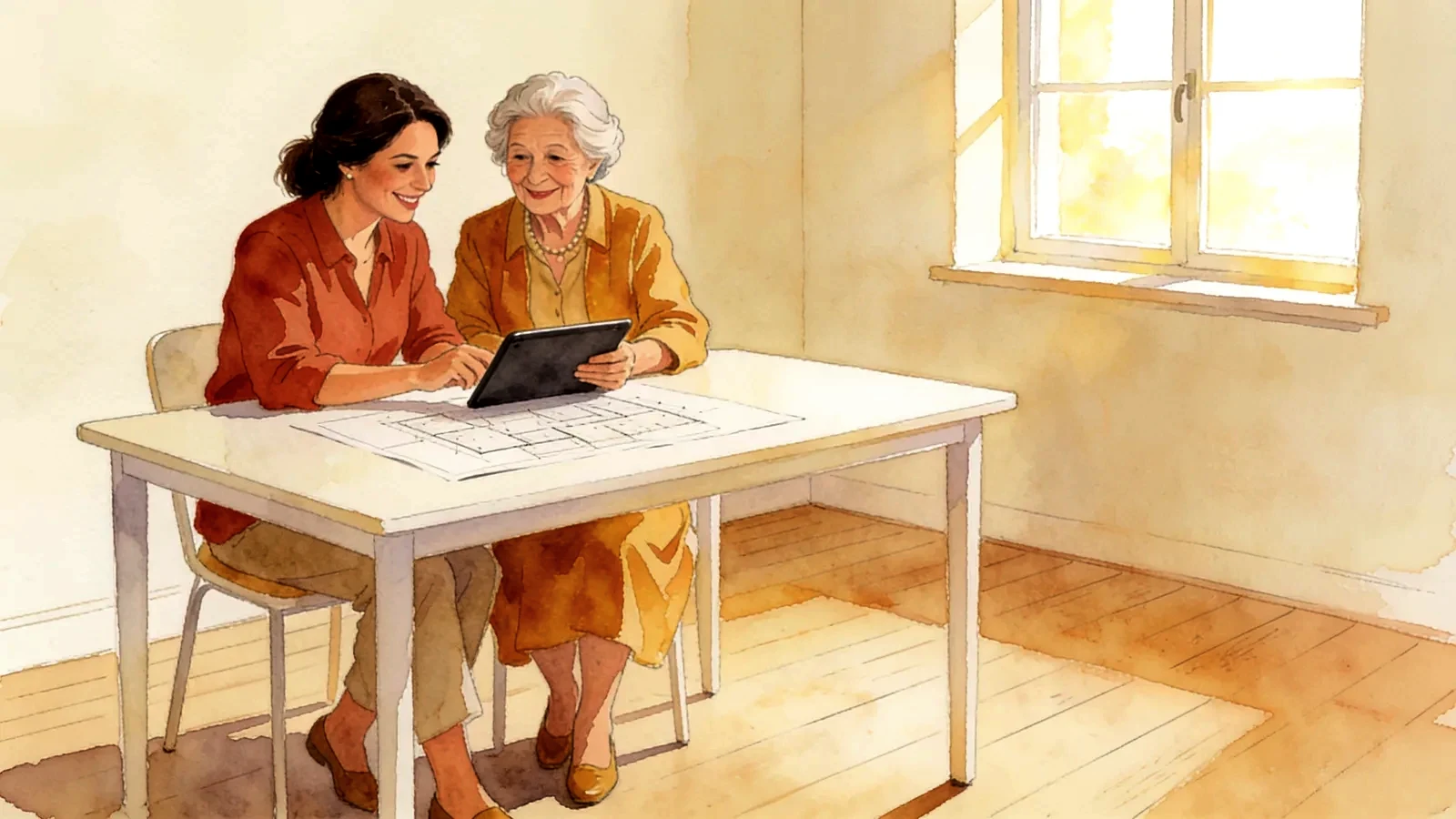
- Room Safety Check. She takes a photo of the room. SeniorThrive looks at the house and shows what deserves attention. Each check returns findings, a Home Safety Score and a short list of fixes. Read more on what a Room Safety Check is.
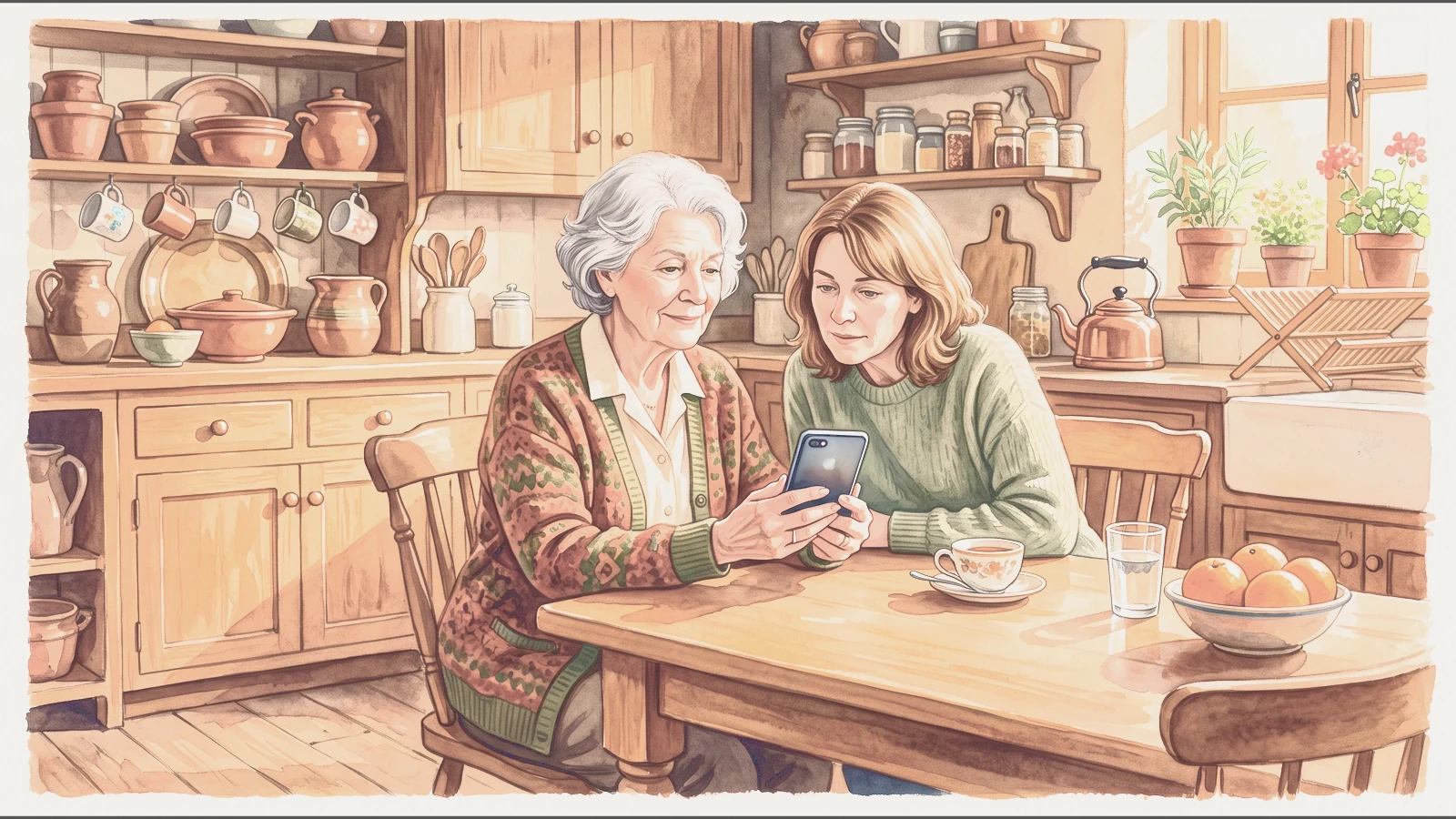
- My Daily Check-In. One simple question a day. It takes less than a minute, and it is free.
- Morning Peace of Mind. She sets a time and chooses who to tell. If she has not checked in by then, they get a gentle heads-up in the app and on their phone or computer. It is not an emergency alert.
- Circle. She chooses who is in it. Everyone in her Circle sees her Room Safety Check results, so she controls who sees them by choosing who is in.
- Emergency Card. A free, five-minute sheet with her conditions, medications and who to call, on her phone and printed for the fridge.
And where it is not the right tool:
- It is not a clinical assessment or a medical device. When it matters, the app itself says: "For a clinical home safety evaluation, talk with an Occupational Therapist." For a full visit, see what an in-person home safety assessment covers.
- It does not send a dispatcher. If a professional caller matters most, a check-in service with dispatch or a medical alert system is the better fit.
- If five siblings mainly need to share a medication schedule and rides, a coordination app may be all you need.
A good first week
Start with one free thing you do together, then one room. Small, shared steps work better than a full audit of her house.
- Tonight: build her Emergency Card together. It takes about five minutes and it is free.
- Tomorrow: she tries My Daily Check-In with her coffee.
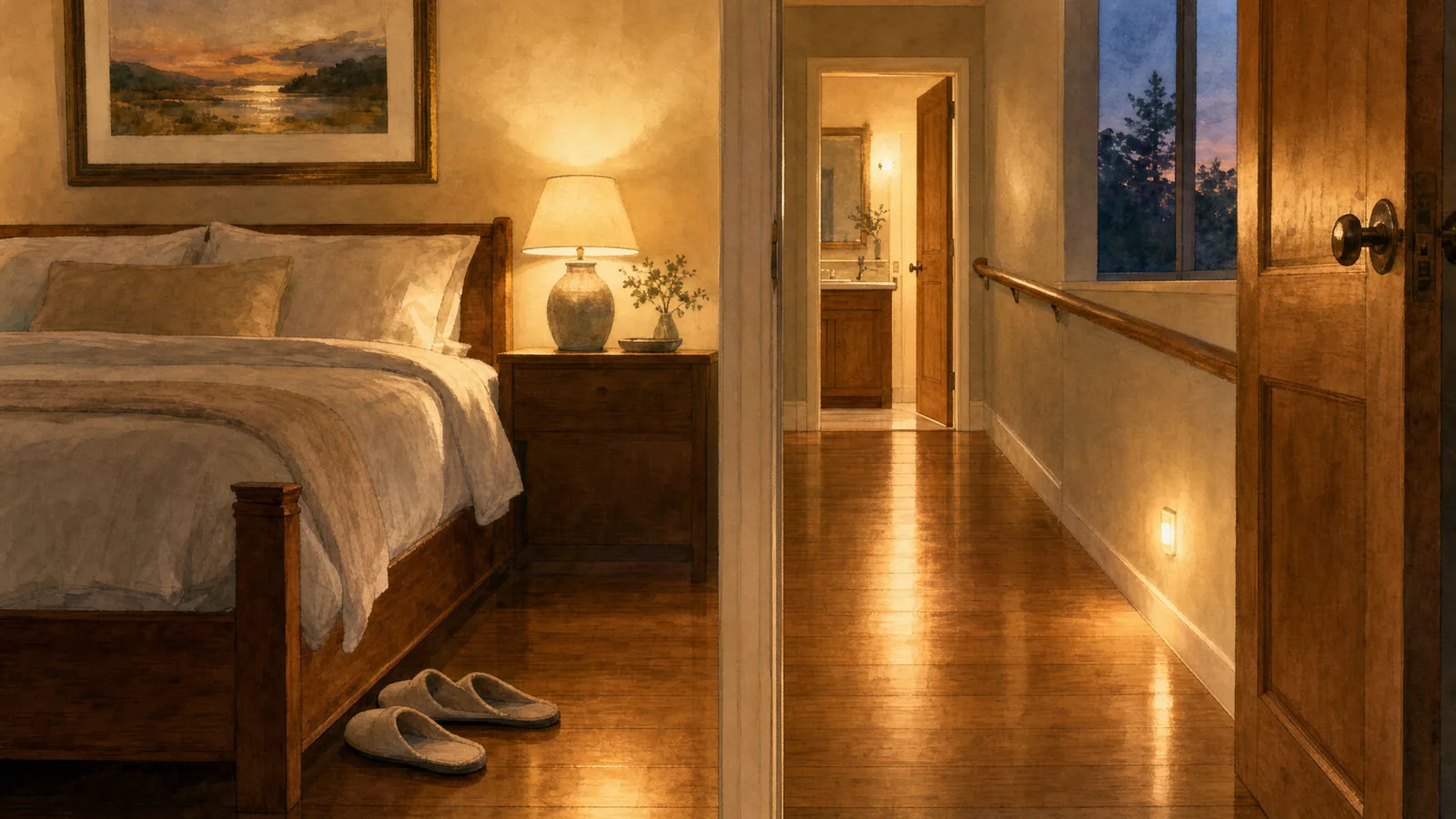
- This weekend: look at the path from her bed to the bathroom, after dark. Our room-by-room home safety checklist shows what to look for.
- When she is ready: run one Room Safety Check on the room she worries about most.
If you are not sure where to start, the two-minute Home Safety Quiz points to a first step. When you want to compare plans, see plans. For keeping in touch without turning every call into a check-up, read family updates without hovering.
Frequently asked questions
Is there an app that checks a home for safety room by room?
Yes. Several apps look at a home room by room from phone photos. SeniorThrive's Room Safety Check returns findings, a Home Safety Score and a short list of fixes for each room. Some services, such as DwellSafe, add a review by a licensed occupational therapist.
What is the difference between a home safety app and a medical alert system?
A home safety app looks at the house before anything happens, pointing out hazards such as loose rugs or dark paths. A medical alert system is a button to call for help after a fall. Many families use one of each.
Do I need a clinician to check my parent's home?
Not always. Free checklists and photo-based apps are a good start for someone doing well. After a fall, a surgery or a change in mobility, ask her doctor about an occupational therapist, who can evaluate the home and her needs together.
How can our family stay updated without hovering?
Let her choose who is in the loop and what they see. A daily check-in that sends a gentle note only when she misses her chosen time keeps family informed without constant calls. She decides who is in her Circle in SeniorThrive.
Are there free home safety checklists for older adults?
Yes. CDC's Check for Safety brochure, NIA's Preventing Falls at Home: Room by Room, and AARP's HomeFit Guide are free. They work best when someone walks the house with them, ideally after dark, and writes down what to fix.
What does SeniorThrive include for free?
The Emergency Card and My Daily Check-In are free. A family member can explore a preview Room Safety Check of their own home for free. Full ongoing Room Safety Checks are part of Essential. Essential covers the older adult and one family member; more people are added seats.
Sources
- CDC, Facts About Older Adult Falls (reviewed Sept. 8, 2026). https://www.cdc.gov/falls/data-research/facts-stats/index.html
- Moreland B, Kakara R, Haddad Y, Shakya I, Bergen G. A Descriptive Analysis of Location of Older Adult Falls That Resulted in Emergency Department Visits in the United States, 2015. American Journal of Lifestyle Medicine, 2021. https://pmc.ncbi.nlm.nih.gov/articles/PMC8669898/
- AARP, 2021 Home and Community Preferences Survey. https://www.aarp.org/pri/topics/livable-communities/housing/2021-home-community-preferences/
- CDC STEADI, Check for Safety: A Home Fall Prevention Checklist for Older Adults. https://stacks.cdc.gov/view/cdc/59197
- National Institute on Aging, Preventing Falls at Home: Room by Room. https://www.nia.nih.gov/health/falls-and-falls-prevention/preventing-falls-home-room-room
- AARP HomeFit Guide. https://www.aarp.org/livable-communities/housing/info-2020/homefit-guide/
- SafeHome AI homepage (checked Oct 27, 2026). https://safehome-ai.com/
- DwellSafe, Support for Families (checked Oct 27, 2026). https://dwellsafe.ai/families/
- Snug Safety homepage and plans (checked Oct 27, 2026). https://www.snugsafe.com/
- Caring Village homepage and pricing (checked Oct 27, 2026). https://caringvillage.com/ and https://caringvillage.com/pricing/
SeniorThrive is not affiliated with or endorsed by any organization or company named here. Product descriptions for other companies come from their public websites on the date shown. A Room Safety Check and the Home Safety Score describe the house. They are not a medical device, a home inspection or a clinical assessment.