

A map of your digital life. Never the passwords themselves.
Your email accounts, your social profiles, your subscriptions, your bank logins. We map where they live, who has access, and where the credentials are kept. We never store the credentials themselves.

The logins nobody can find.
Your family finds an old phone, a dusty password notebook, a drawer of bills.
They do not know which email has the bank alerts.
They cannot reach the cloud photos.
The electric bill keeps auto-paying from an account nobody can access.
Grief becomes a password reset nightmare.
It does not have to.
Where, Not What
The Passwords Policy
We never store passwords
This is a hard line. We capture where passwords live, not what they are. No vault, no credential storage, no exception.
Your family never has to ask you for a password
The map tells them where to look. They follow the map, find the credential at the source, and get in the right way.
Less to steal by design
We never store the credentials themselves, so there is no credential vault for a bad actor to compromise. A map of locations is a smaller target than a password store would be.
A Map That Respects Your Privacy
We never store passwords, encryption keys, or credentials. Ever. Locator only.
Your family finds what they need without you ever handing over a password.
Works with any password manager, notebook, safety deposit box, or attorney arrangement.
Updates stay simple. Edit the map, not the credentials.
Printable PDF for executors and attorneys who work on paper.
Shared with family only when you turn on Digital Legacy sharing. Off by default.
Frequently Asked Questions
Everything you need to know about getting started
What families are saying
What this produces
See the actual document, not a description of it
This is a real file this feature produces, published in full for an invented family. No signup, no form.
See all the documents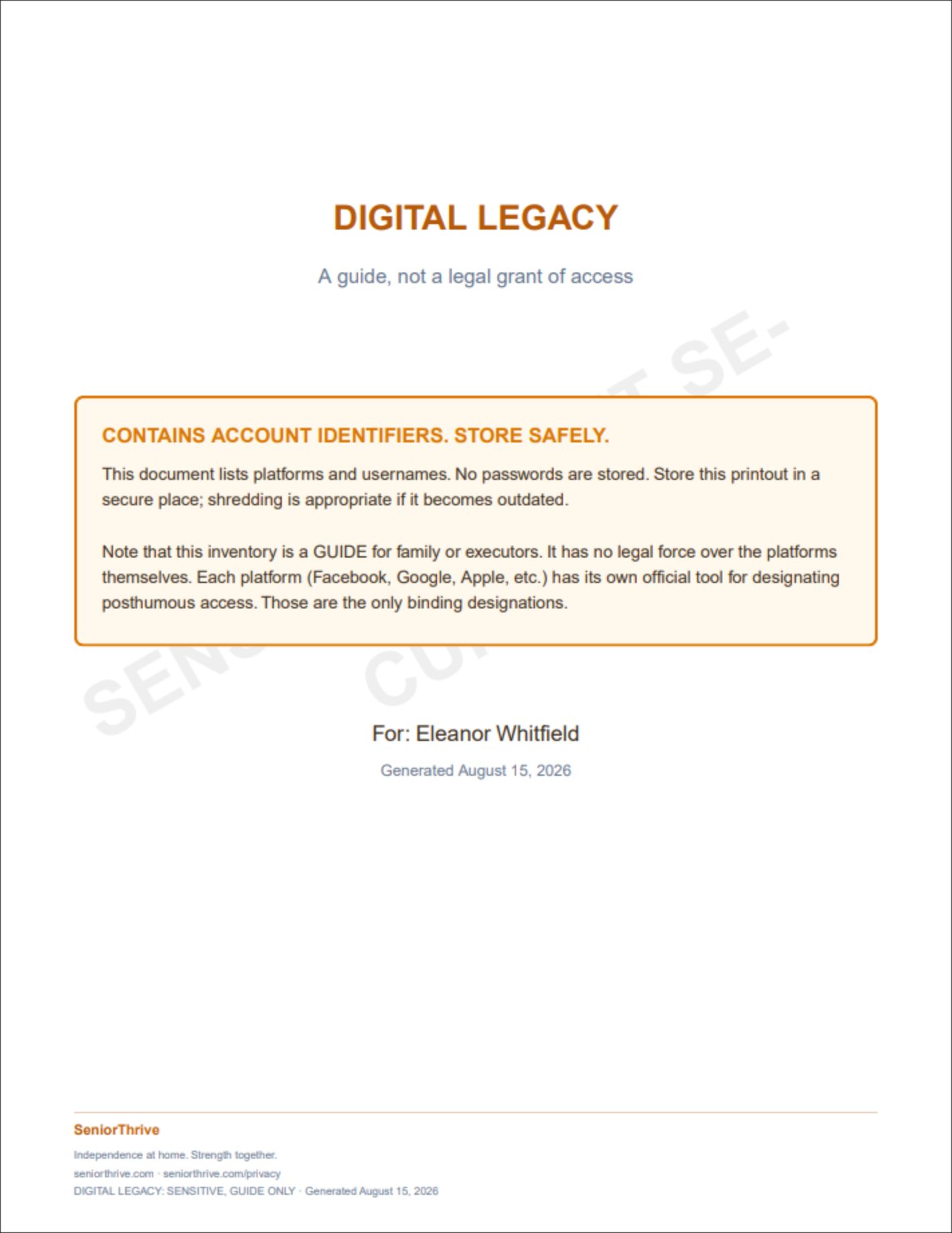
Map it once. Rest easier tomorrow.
A printable map of where your digital life lives, so your family never has to guess.
Works Hand-in-Hand With Other Features
Explore all the ways SeniorThrive helps you thrive at home.
Discover how all features work together to support your independence.
Explore All Features